
If you’re looking to enhance your wireless network, the right access point can make a significant difference. The Omada EAP610 stands out as the top overall choice for its advanced features and seamless integration capabilities. For those on a budget, the TP-Link TL-WA1201 offers excellent performance without breaking the bank. In this roundup, we will explore the best access points available to help you make an informed decision.
How We Chose
Our selection criteria focused on key features, user feedback trends, and overall value. We evaluated the performance capabilities, ease of installation, and additional functionalities that enhance user experience, ensuring that each product fits well within its category.
At a Glance: Our Top Picks
- Omada EAP610 – Best Overall
- Ubiquiti UniFi nanoHD – Best Premium
- TP-Link TL-WA1201 – Best Budget
Omada EAP610
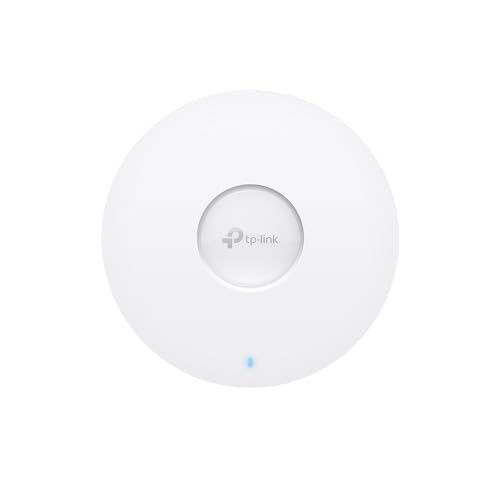
Quick Verdict: A powerful access point featuring Wi-Fi 6 technology for enhanced speed and connectivity.
The Omada EAP610 excels in providing ultra-fast dual-band Wi-Fi speeds of up to 1800 Mbps, making it ideal for businesses that require robust network performance. Its compact design allows for easy installation, blending seamlessly into various environments such as offices and cafes. Additionally, the device supports advanced features like seamless roaming and mesh networking, ensuring a reliable connection across larger areas.
What We Like
- Ultra-fast Wi-Fi 6 speeds
- Compact and stylish design
- Advanced network management capabilities
What We Don’t Like
- Requires cloud management for full features
Ubiquiti UniFi nanoHD
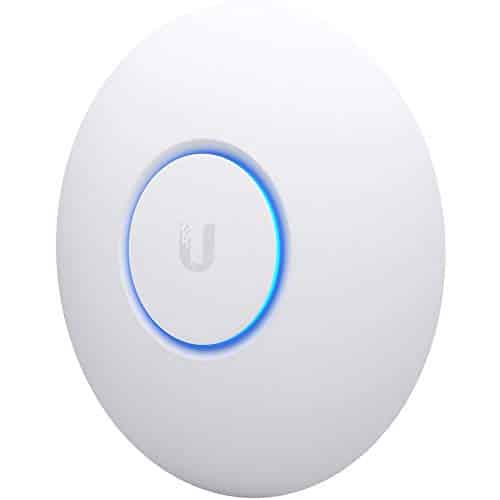
Quick Verdict: A compact and powerful access point for enterprise-level performance.
The Ubiquiti UniFi nanoHD is designed for environments requiring high-density connectivity, supporting over 200 concurrent users. With its sleek design, it can blend into various settings while providing reliable performance. This access point utilizes advanced MU-MIMO technology to ensure efficient data transmission, making it suitable for both business and educational environments.
What We Like
- Supports a large number of concurrent connections
- Compact and discreet design
What We Don’t Like
- Requires additional management software for optimal use
TP-Link TL-WA1201
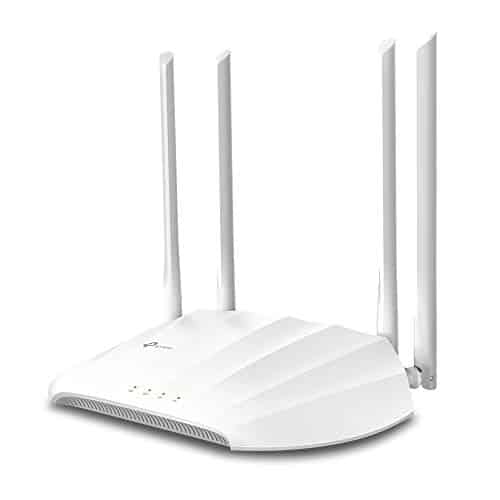
Quick Verdict: An affordable option that delivers solid performance for everyday use.
The TP-Link TL-WA1201 is designed to provide reliable Wi-Fi coverage with dual-band speeds up to 1200 Mbps. Its multi-mode functionality allows it to operate as a client, range extender, or access point, making it a versatile choice for various environments. With easy installation through passive PoE support, this device is perfect for both home and small office setups.
What We Like
- Affordable and versatile
- Supports multiple operational modes
What We Don’t Like
- Not as powerful as higher-end models
NETGEAR WiFi 6 Wireless Access Point (WAX210PA)
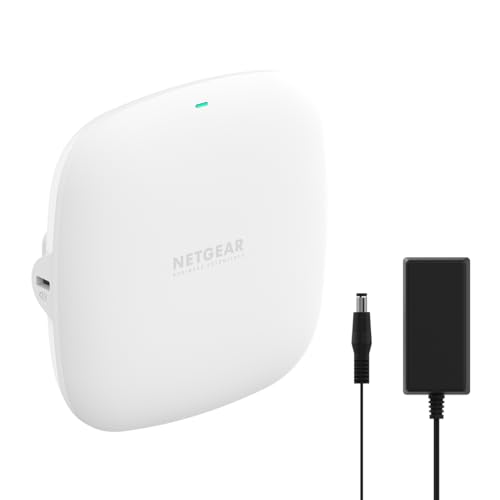
Quick Verdict: A reliable access point that enhances your wired network with robust WiFi 6 capabilities.
The NETGEAR WAX210PA is a powerful wireless access point specifically designed to augment existing wired networks. This device is an ideal solution for small businesses and professional environments, providing secure and dedicated WiFi coverage. With a dual-band capacity reaching speeds of up to 1,800 Mbps, it efficiently handles multiple devices simultaneously, making it perfect for busy offices or retail settings.
One of the standout features of this access point is its ability to support up to 30 active devices at once while maintaining high speeds, thanks to its MU-MIMO technology. This ensures that users experience minimal lag and consistent connectivity, even in high-traffic areas. Its compact design allows for versatile installation options, whether mounted on a wall or ceiling, blending seamlessly into various environments. Additionally, the WAX210PA supports multiple SSIDs, enabling secure network separation for staff and guests.
What We Like
- High-speed dual-band performance suitable for multiple users.
- Easy installation with flexible mounting options.
- Supports network security with separate SSIDs for guests and employees.
- Simple web-based setup, eliminating the need for dedicated apps.
What We Don’t Like
- Requires an existing router and Ethernet connection to function.
- Not suitable as a standalone router or repeater.
- Limited to indoor use with a coverage area of up to 1,500 sq. ft.
Cudy AC1200 Dual Band WiFi Access Point
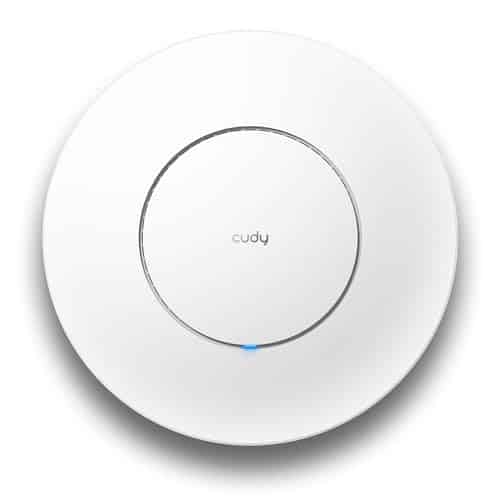
Quick Verdict: A versatile access point that excels in high-demand environments with multiple connected devices.
The Cudy AC1200 Dual Band WiFi Access Point is designed for high-performance wireless connectivity, making it ideal for both home and office use. With advanced MU-MIMO technology, it allows multiple devices to connect simultaneously without lag, ensuring smooth video calls and efficient cloud backups. The access point also incorporates beamforming technology, which directs the Wi-Fi signal towards connected devices, improving connection stability, especially in larger spaces or areas far from the router.
One of the standout features of this access point is its flexible power options, which include PoE and a standard DC input. This flexibility allows for easy installation in various locations, even in areas where traditional outlets may be scarce. Additionally, the Cudy AC1200 supports a range of configurations and modes, making it suitable for different networking setups, from simple home environments to complex enterprise-level deployments.
What We Like
- Supports multiple devices simultaneously, reducing lag during heavy usage.
- Beamforming technology enhances signal strength in hard-to-reach areas.
- Flexible power options allow for easy installation in diverse locations.
- Versatile functionality with multiple network modes for various needs.
What We Don’t Like
- Adapter for certain power options is not included.
- Initial setup may require some technical knowledge.
- Lacks advanced features found in higher-end models.
Zyxel WiFi 6 Wireless Access Point AX3000
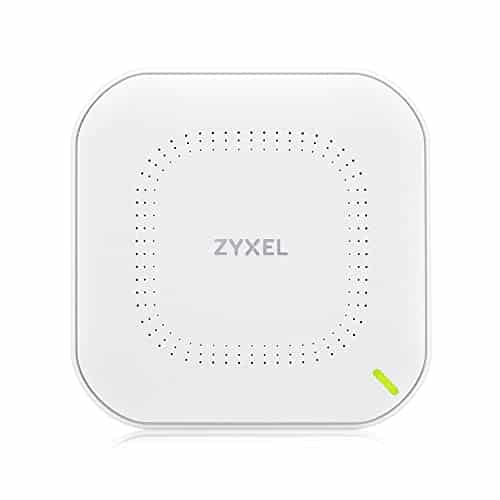
Quick Verdict: A powerful access point that combines high-speed WiFi 6 performance with versatile management options.
The Zyxel WiFi 6 Wireless Access Point AX3000 stands out for its ability to deliver impressive speeds of up to 3000 Mbps, making it an excellent choice for environments with multiple connected devices. Its advanced technology supports 160MHz channels, allowing for efficient data handling and minimizing network congestion. This capability is particularly beneficial in busy office settings or homes with heavy internet usage.
This model features a 2.5G Ethernet port, offering a significant upgrade over traditional 1Gbps connections. This means you can enjoy faster data transfer rates without the need for extensive rewiring, as it works seamlessly with existing Cat5e cabling. Additionally, the three high-gain antennas enhance wireless coverage, ensuring that the signal reaches every corner of your space, including challenging areas such as basements or upper floors.
What We Like
- High-speed performance ideal for multiple users and devices.
- 2.5G uplink port for enhanced connectivity without additional cabling costs.
- Flexible management options through local or cloud-based controls.
- Strong signal coverage due to high-gain antennas.
What We Don’t Like
- Setup may be complex for users unfamiliar with network configurations.
- Advanced features may not be utilized in basic home setups.
- Limited user manual details for comprehensive setup guidance.
BrosTrend AC1200 WiFi Access Point
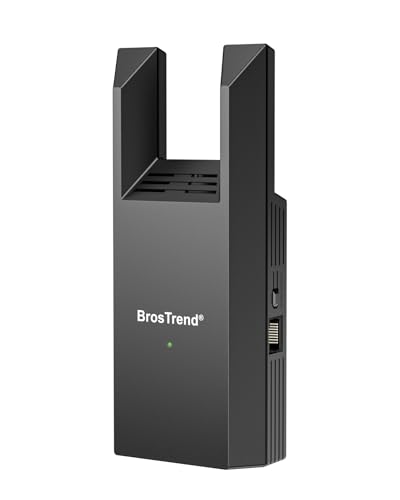
Quick Verdict: A reliable solution for expanding your home WiFi network with impressive speed and coverage.
The BrosTrend AC1200 WiFi Access Point is designed to enhance your home’s internet connectivity by creating a new dual-band WiFi network. This device is particularly beneficial for users looking to extend their existing network’s reach, especially in hard-to-access areas such as basements or multi-story homes. By connecting to an Ethernet port, it creates a dedicated network that supports various devices, ensuring smooth performance whether you’re streaming videos, gaming, or browsing the web.
One standout feature of this access point is its dual-band capability, allowing you to switch between 5 GHz for high-speed tasks and 2.4 GHz for regular browsing. The inclusion of beamforming technology helps concentrate the WiFi signal towards your devices, resulting in a more stable and reliable connection. Moreover, the compact design makes installation a breeze, fitting neatly into any space without cluttering your setup.
What We Like
- Easy to set up with a straightforward web interface.
- Dual-band support provides flexibility for different internet needs.
- Compact design allows for discreet placement in any room.
- Beamforming technology enhances signal strength and coverage.
What We Don’t Like
- Requires a wired Ethernet connection for initial setup.
- Performance may vary in very large homes or buildings.
- No built-in security features, so additional measures may be needed.
MikroTik Cap ax Gen 6 802.11ax Wireless Access Point
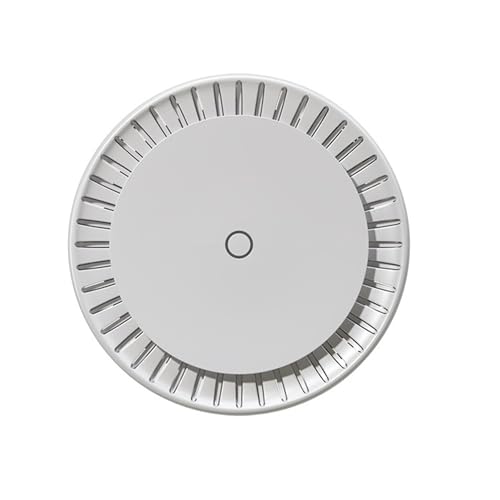
Quick Verdict: A powerful access point for seamless connectivity in busy office environments.
The MikroTik Cap ax is engineered for high-performance wireless networking, making it an excellent choice for offices that require robust connectivity. With a modern quad-core CPU and 1GB of RAM, it provides the processing power needed to handle numerous simultaneous connections without a hitch. This device supports the latest 802.11ax technology, which enhances speed and efficiency, ensuring you get reliable coverage in every corner of your workspace.
Equipped with two Gigabit Ethernet ports and Power over Ethernet (PoE) support, the MikroTik Cap ax offers flexibility in installation. Whether you need to set it up in a central location or a difficult-to-reach area, this access point can adapt to your needs. Its ability to deliver exceptional coverage and manage a large number of users makes it a great asset for any growing business.
What We Like
- High-performance quad-core CPU for fast processing.
- Supports modern 802.11ax Wi-Fi for improved speed.
- Flexible installation options with PoE support.
- Handles multiple connections efficiently, ideal for busy offices.
What We Don’t Like
- Some users may find the setup process complex.
- Limited advanced features compared to higher-end models.
- May require additional configuration for optimal performance.
Amazon eero PoE 6

Quick Verdict: A versatile and powerful access point that enhances Wi-Fi coverage without the hassle of separate power supplies.
The Amazon eero PoE 6 is designed for seamless integration into both home and professional environments. Utilizing Power over Ethernet, this access point eliminates the need for additional power adapters, allowing for easy ceiling or wall mounting. With its dual-band capabilities, it delivers impressive wireless speeds of up to 1.6 Gbps, making it an ideal choice for activities that require high bandwidth, such as streaming or gaming.
This access point is particularly well-suited for densely connected households, as it can support over 100 devices simultaneously. The eero PoE 6 covers a substantial area of up to 2,000 square feet, ensuring that you can enjoy stable internet access throughout your space. The innovative TrueMesh technology optimizes network traffic, reducing the chances of dropped connections or dead spots, which is essential for maintaining a reliable online experience.
What We Like
- Easy installation due to Power over Ethernet capability.
- Supports high-speed connections for multiple devices.
- Wide coverage area suitable for larger homes or offices.
- TrueMesh technology enhances network reliability and performance.
What We Don’t Like
- AC adapter is not included, which may be inconvenient for some users.
- Installation may require professional assistance if PoE infrastructure is not already in place.
- Limited features compared to more advanced mesh systems.
A Buyer’s Guide to Access Points
1. Wireless Standards
Look for access points that support the latest wireless standards, such as Wi-Fi 6, which offer improved speed, capacity, and efficiency.
2. Coverage Area
Consider the coverage area required for your space. Choose an access point that can provide sufficient coverage for your needs.
3. User Capacity
Evaluate how many devices will connect to the access point simultaneously to ensure it can handle the load without performance degradation.
4. Installation Flexibility
Check for installation options like PoE support, which can simplify setup and provide more placement flexibility.
5. Management Features
Some access points offer advanced management features, such as cloud control or a mobile app, making it easier to monitor and configure your network.
6. Security Features
Ensure the access point supports the latest security protocols to protect your network from unauthorized access.
Frequently Asked Questions
What is an access point?
An access point extends your wired network wirelessly, allowing devices to connect to the internet without a physical connection.
How do I install an access point?
Installation typically involves connecting the access point to your router via Ethernet and configuring it through a web interface or app.
What is the difference between an access point and a router?
A router connects multiple devices to the internet and manages traffic, while an access point extends the wireless coverage of an existing network.
Can I use multiple access points in one network?
Yes, multiple access points can be used to provide seamless coverage across larger areas, and they can often be managed from a single interface.
What is PoE?
Power over Ethernet (PoE) allows an access point to receive power through the Ethernet cable, eliminating the need for a separate power source.